How to setup a home office
Setting up a home office can be a game-changer for your productivity and comfort. With more people working from home, creating a dedicated workspace is essential. This guide will walk you through everything you need to know about setting up a home office. From choosing the right location to ensuring you have the best equipment, we’ve got you covered. How to setup a home office with ease. Discover top tips from Cargill Removals to create a productive workspace at home.
How to Set Up a Home Office
Choose the Right Location
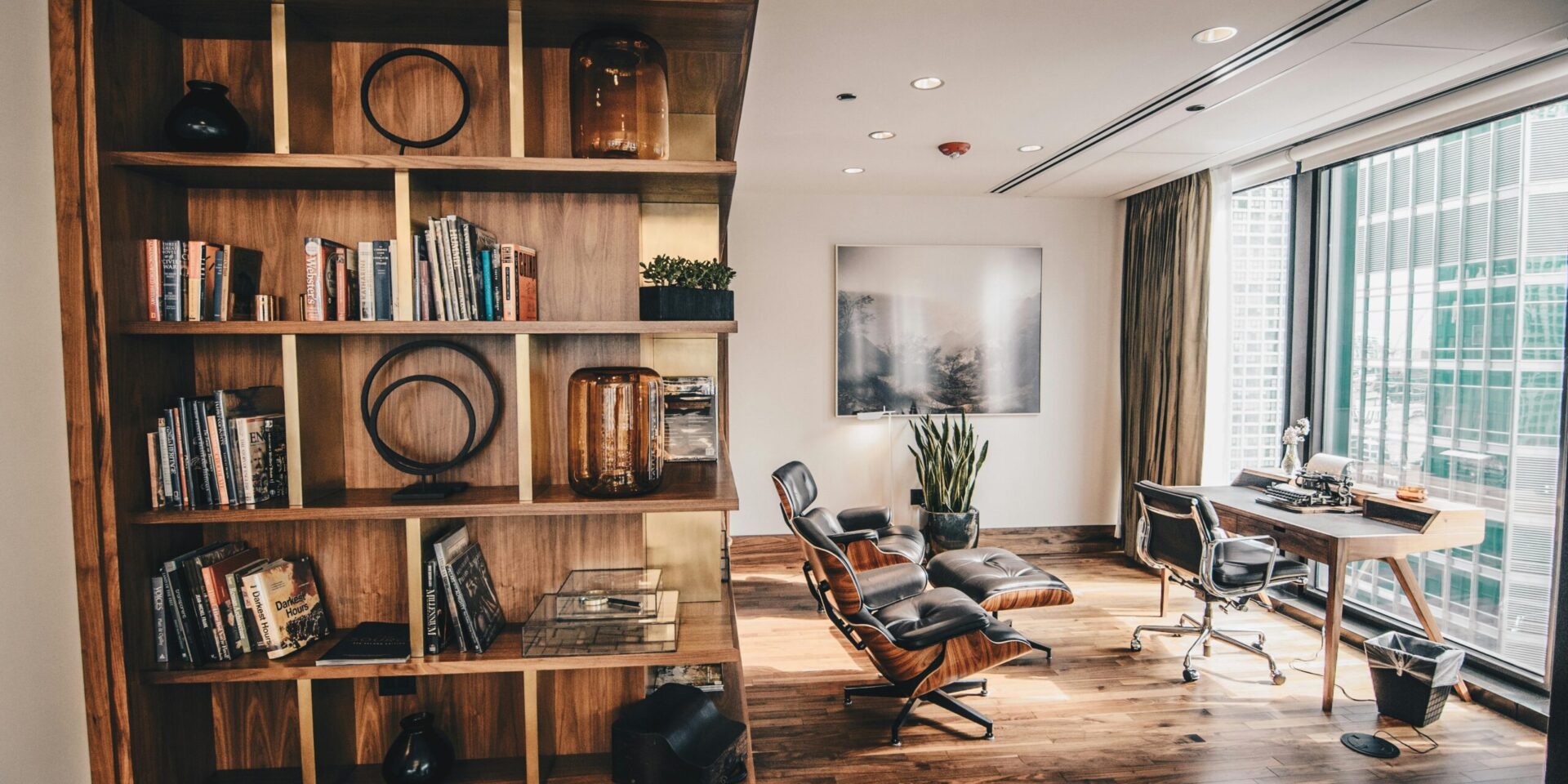
Selecting the right spot for your home office is crucial. Ideally, pick a quiet area with minimal distractions. If possible, choose a room with a door that can be closed to separate work from home life.
Ensure Adequate Lighting
Good lighting is vital for any workspace. Natural light is best, so set up near a window if possible. If natural light is limited, invest in quality lamps and light fixtures to brighten your space.
Invest in a Comfortable Chair
A comfortable chair is essential for long hours at your desk. Ergonomic chairs provide support and help prevent back pain. Look for one with adjustable height and lumbar support.
Choose the Right Desk
Your desk is the centrepiece of your home office. Ensure it’s large enough for your needs and at a comfortable height. Standing desks are also an option for those who prefer to alternate between sitting and standing.
Organise Your Equipment
Keep your equipment organised and within reach. This includes your computer, printer, and other essential devices. Use cable organisers to keep wires tidy and avoid clutter.
Install Shelves and Storage
Shelving and storage solutions help keep your office tidy. Use shelves for books and decor, and storage boxes for documents and supplies. This keeps your workspace neat and efficient.
Ensure Good Internet Connection
A reliable internet connection is crucial for remote work. If your Wi-Fi signal is weak, consider a Wi-Fi extender or a wired connection to ensure stability and speed.
Personalise Your Space
Make your home office a place where you enjoy spending time. Add personal touches like photos, plants, or artwork. This makes your workspace more inviting and boosts morale.
Keep it Tidy
A tidy workspace promotes productivity. Make a habit of cleaning your desk at the end of each day. This ensures you start each day with a clean slate.
Use Ergonomic Accessories
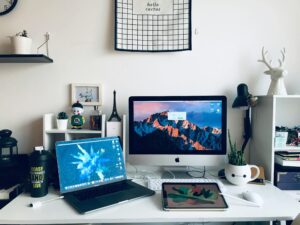
Ergonomic accessories like a keyboard tray, monitor stand, and footrest can enhance comfort. These small adjustments can make a big difference in reducing strain.
Set Up Dual Monitors
Dual monitors can increase productivity by allowing you to multitask more efficiently. Ensure your desk can accommodate the extra screen space.
Manage Noise Levels
Noise can be a significant distraction. Use noise-cancelling headphones or a white noise machine to block out background sounds. This helps maintain focus.
Add Greenery
Plants can improve air quality and boost mood. Choose low-maintenance plants that thrive indoors, like succulents or snake plants.
Plan Your Layout
Plan your office layout for efficiency. Place frequently used items within arm’s reach and arrange furniture to allow easy movement. This optimises your workflow.
Implement a Filing System
A good filing system keeps documents organised. Use labelled folders and a filing cabinet to store important papers. This prevents clutter and makes finding documents easier.
Consider Your Office Colours
Colours can impact mood and productivity. Blues and greens are calming, while yellows and oranges can boost energy. Choose colours that suit your work style.
Ensure Proper Ventilation
Good air circulation is essential for a comfortable workspace. Open windows when possible and use fans or air purifiers to maintain air quality.

Keep Essential Supplies Stocked
Running out of supplies can disrupt your workflow. Keep essential items like paper, pens, and printer ink well-stocked. This ensures you’re always prepared.
Use a Desk Lamp
A desk lamp provides focused lighting for tasks. Choose one with adjustable brightness and position it to reduce eye strain.
Set Up a Whiteboard or Corkboard
Whiteboards or corkboards are great for keeping track of tasks and deadlines. Place them within view to stay organised and on top of your work.
Invest in Quality Tech
Quality technology can improve efficiency. Invest in a reliable computer, printer, and any other necessary gadgets. This reduces downtime caused by tech issues.
Maintain a Healthy Posture
Good posture is crucial for preventing strain. Adjust your chair and monitor height to ensure your back is straight and your eyes are level with the screen.
Create a Work Schedule
A work schedule helps maintain a work-life balance. Set specific work hours and stick to them. This prevents burnout and ensures you have time for personal activities.
Minimise Distractions: How to setup a home office
Identify and minimise potential distractions. This might mean setting boundaries with family members or turning off notifications during work hours. This helps maintain focus.
Ensure Adequate Power Outlets
Ensure you have enough power outlets for your equipment. Use power strips if necessary, and avoid overloading outlets to prevent electrical issues.
Test Your Setup
Before starting work, test your setup. Ensure everything is working correctly, from your computer to your internet connection. This prevents interruptions and allows for a smooth workflow.
Conclusion: How to setup a home office
Setting up a home office is a worthwhile investment in your productivity and comfort. By following these tips, you can create a functional and pleasant workspace. Remember, a well-organised and personalised office can make all the difference in your work-from-home experience.